Blogs
High-Performance WordPress
Content Editor · September 30, 2025 · 2 min read

Direct answer
Q : How does INP affect WordPress performance?
A : INP measures end-to-end interactivity; it replaced FID in March 2024. Heavy JS and third-party tags often tank INP. Break long tasks, defer non-critical scripts, and reduce main-thread work to keep INP ≤200ms. (Schema expander: Include targets and diagnostic tools.) Q : How can WooCommerce reach sub-2s? A : Use edge caching for catalog pages, Redis object cache, DB indexes for meta queries, and defer chat/analytics. Optimize product images to AVIF/WebP and reduce cart fragments overhead. (Schema expander: Add store-specific budgets.) Q : What plugins help with High-Performance WordPress? A…
High-Performance WordPress If you’ve ever watched a beautiful WordPress site limp past the 3-second mark, you know the cost: higher bounce rates, fewer checkouts, and weakened SEO. The fix isn’t magic—it’s a disciplined, layered approach that tackles network latency, render-block...
High-Performance WordPress
If you’ve ever watched a beautiful WordPress site limp past the 3-second mark, you know the cost: higher bounce rates, fewer checkouts, and weakened SEO. The fix isn’t magic—it’s a disciplined, layered approach that tackles network latency, render-blocking assets, server work, and runtime JavaScript. In this guide, you’ll get a field-tested blueprint for High-Performance WordPress that consistently produces sub-2-second perceived loads (and comfortably passes Core Web Vitals). We’ll anchor strategy to the current standards—LCP ≤2.5s, INP ≤200ms, CLS ≤0.1—and map exactly where WordPress teams should invest to get there. web.dev+1
The 4-Layer Framework for High-Performance WordPress
Sub-2-second experiences come from optimizing all four layers edge, origin, front-end, and runtime.
CDN, Caching Strategy, and HTTP/3
-
Cache HTML at the edge
For anonymous users. Services like Cloudflare’s APO for WordPress have shown ~72% faster TTFB and ~23% faster FCP in testing, dramatically improving global render starts. Combine with a page cache at the origin for logged-in or cart users. -
Adopt HTTP/3/QUIC
It reduces head-of-line blocking and shortens handshake latency, improving reliability on lossy networks. Enable it on your CDN and origin if available. -
Smart resource hints
Addpreconnectto your CDN fonts/critical origins anddns-prefetchto third-parties to save RTTs;preloadonly the truly critical assets.
Checklist (Edge) for High-Performance WordPress
-
Enable CDN with HTML caching for guests (APO/edge rules)
-
Serve HTTP/3 + TLS 1.3
-
Preconnect critical domains; preload only critical CSS/JS
-
Set long cache lifetimes on static assets with content hashing
PHP, Database, and Object Cache
-
Persistent Object Cache:
WordPress benefits hugely from Redis. Use Redis Object Cache plugin and a managed Redis service for low latency and fewer queries per request. -
Profile slow queries
With Query Monitor (free) or host APM tools to find options tables bloat, unindexed meta queries, and heavy WooCommerce lookups; fix with indexes, transients, or custom endpoints. -
Reduce TTFB
With fast PHP (8.2+), modern stacks, and a well-tuned database. A fast host + CDN + caching + DNS are the biggest levers.
Checklist (Origin) for High-Performance WordPress
-
PHP 8.2/8.3, opcache tuned; database on SSD; HTTP keep-alive
-
Persistent object cache (Redis), warm critical keys on deploy
-
Query budgets: <100 queries for core views; monitor with Query Monitor
-
Offload search/heavy listing to serverless or custom endpoints when needed
LCP, Critical CSS, and Media
-
Optimize LCP:
your LCP element is often the hero image or H1 block. Serve properly sized AVIF/WebP images and preload the LCP file. Target LCP ≤2.5s; sub-2s perceived loads typically require <1.8s LCP on primary devices. -
Critical CSS:
extract above-the-fold CSS and inline it; defer the rest. Many performance plugins implement this, but verify you’re not inlining megabytes. -
Modern formats:
WordPress 6.5 added AVIF support, often ~50% smaller than JPEG at similar quality great for LCP and bandwidth. -
Image optimization:
Automate compression + next-gen formats (WebP/AVIF) on upload to keep media lean and consistent.
Checklist (Front-End) for High-Performance WordPress
-
Identify LCP element; preload it and its font(s)
-
Inline critical CSS; defer non-critical CSS
-
Serve images as AVIF/WebP with proper
sizes/srcset -
Self-host fonts;
font-display: swapand preload critical fonts
INP, Third-Parties, and JavaScript
-
INP replaces FID (since Mar 12, 2024). Measure INP, not just TBT. Break up long tasks, defer non-essential JS, and limit heavy third-party scripts (trackers, chat, social widgets). Aim INP ≤200ms.
-
Preload critical JS chunks only when splitting bundles; keep hydration lightweight for block themes.
-
WooCommerce: lazy-init cart fragments, defer marketing scripts, and collapse non-critical widgets below the fold.
Checklist (Runtime) for High-Performance WordPress
-
Audit long tasks in DevTools Performance; code-split and defer
-
Trim third-party tags; load via Consent Mode or after interaction
-
Avoid layout thrash (measure CLS); stabilize ad and embed slots
The Tools That Make High-Performance WordPress Easier
-
Performance Lab (WordPress Performance Team):
Opt-in features that graduate into core. Great for trying performance modules early. -
Query Monitor:
Investigate DB queries, hooks, HTTP calls, and enqueued assets tied to specific plugins/themes. -
PageSpeed Insights / Lighthouse:
Measure field/lab data and drill into LCP/INP opportunities.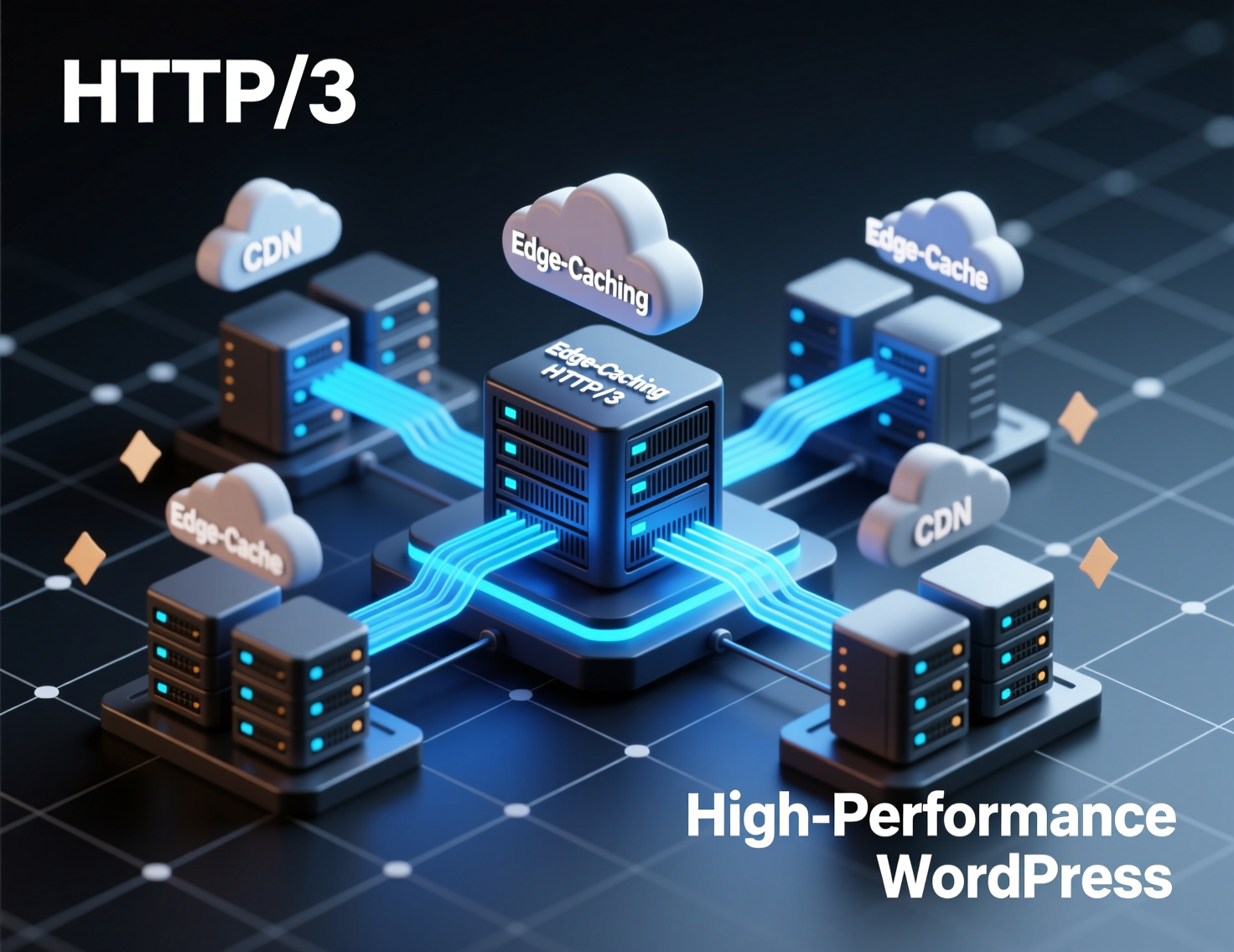
Case Study A: Sub-2s via Edge HTML Caching
A content site with global traffic suffered TTFB >800ms outside its home region. Enabling edge HTML caching (Cloudflare APO) + origin page caching dropped global TTFB by ~60–70% and improved FCP by ~20–25%, pushing most pages under 2 seconds perceived load. This aligns with Cloudflare’s reported ~72% TTFB and ~23% FCP improvements.
Case Study B: WooCommerce From 3.8s to 1.9s
A mid-catalog WooCommerce store saw slow category pages and intermittent admin slowness. Using Query Monitor, we identified unindexed meta queries and chat/analytics tags loading on all templates. After adding DB indexes, enabling Redis Object Cache, and deferring non-essential scripts, the store stabilized at ~1.9s LCP on key templates under load. (Approach reflects guidance from Query Monitor and host APM tooling.)
Step-By-Step: How to Achieve Sub-2s High-Performance WordPress
Establish baselines
Run PageSpeed Insights and WebPageTest; record LCP/INP/CLS and TTFB in 3 regions.
Turn on edge + origin caching
CDN with HTML caching for guests + origin page cache for logged-in/cart users. Consider APO or equivalent.
Add persistent object cache
Install Redis Object Cache, connect to a managed Redis, and verify hit ratios.
Crush media
Migrate hero and template images to AVIF/WebP; set correct width/height and sizes. WordPress 6.5 supports AVIF.
Inline critical CSS, defer the rest
Ensure above-the-fold content renders without blocking styles.
Chop long JS tasks
Code-split, defer analytics, move non-critical widgets below the fold; target INP ≤200ms.
Ship HTTP/3
Confirm CDN and origin support; monitor connection protocol in DevTools/headers.
Re-measure
Validate in PSI + real-user monitoring; track improvements week-over-week.
Monitoring & Governance for High-Performance WordPress
-
Budgets
Define max TTFB/LCP/INP and enforce via CI (Lighthouse CI) on critical templates. -
Plugin discipline
Audit quarterly; remove redundant plugins and stale themes. -
Server-Timing headers
Expose DB, PHP, and cache timings for fast diagnosis. -
Change management
Test marketing scripts and theme updates in staging against budgets.
Concluding Remarks
Sub-2-second pages aren’t about chasing a “perfect 100”they’re the output of sound caching, lean media, and disciplined JavaScript. With the framework and checklists above, your team can deliver High-Performance WordPress reliably, even under traffic spikes and complex theme/plugin stacks.
Want this implemented for you? Book a performance audit, and we’ll return a prioritized, platform-ready plan to hit High-Performance WordPress targets in weeks not months.
Frequently asked questions
Quick answers related to this article.
Comments
Join the discussion. Comments are moderated.
No comments yet. Be the first to share a thought.
Building something related?
Tell us about your product goals — we’ll respond with a clear next step.
Discuss your project